Tape 01 / Side A
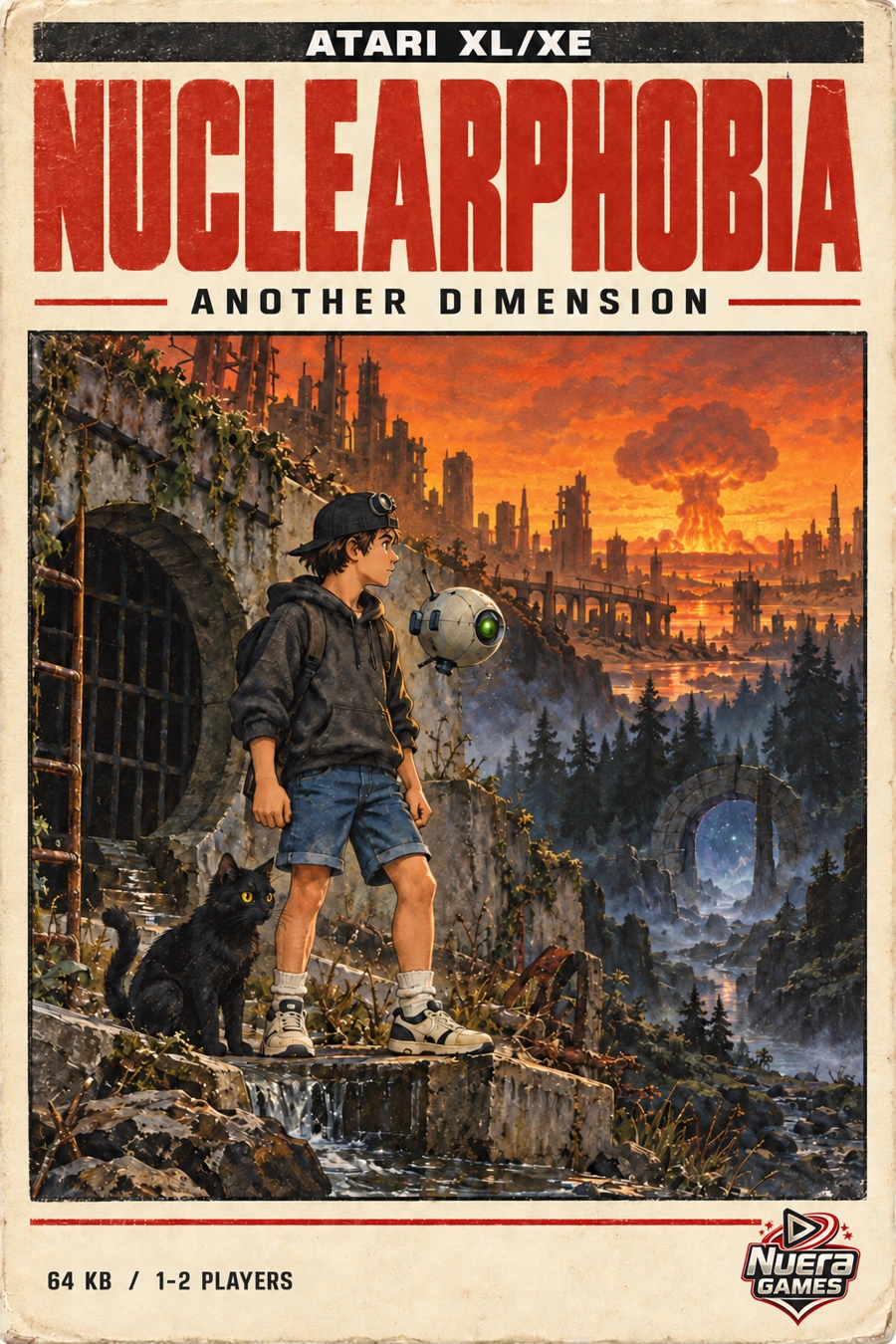
Another Dimension
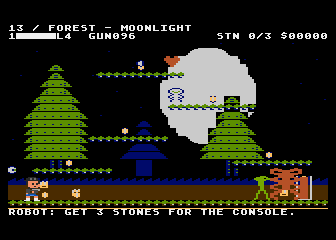
An alarm at night draws Peter out of his house. He crosses the city, sewers and forest in search of three resonance stones, accompanied by a robot and a black cat.
Action adventure · solo / 2 playersNUERA GAMES / ATARI XL/XE
The collection includes two games, Another Dimension and Quantum Echo, alongside Facts and Myths and True Stories, two reading and quiz programs. All four titles are complete and run on Atari XL/XE. We also plan to release them on two cassettes.
CASSETTE RELEASE PLANNED
 01 / A
 02 / A
01 / VIDEO
Watch clips from both games and the reading and quiz programs below. The recordings were captured in an Atari XL/XE emulator and have no sound.
02 / GAMES AND PROGRAMS
Another Dimension begins Peter’s story, and Quantum Echo continues it. Facts and Myths and True Stories are separate programs with readings and quizzes.
Tape 01 / Side A
An alarm at night draws Peter out of his house. He crosses the city, sewers and forest in search of three resonance stones, accompanied by a robot and a black cat.
Action adventure · solo / 2 playersTape 01 / Side B
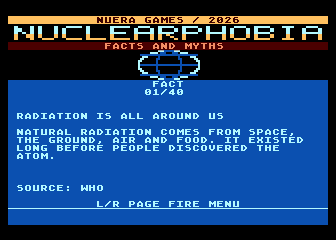
This program contains 40 short readings about radiation and nuclear energy, with explanations and sources, plus a separate quiz with a pool of 50 questions.
Readings and a separate quizTape 02 / Side A
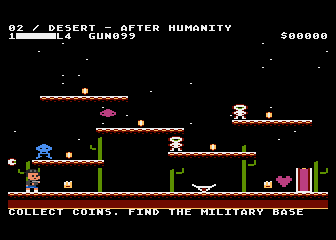
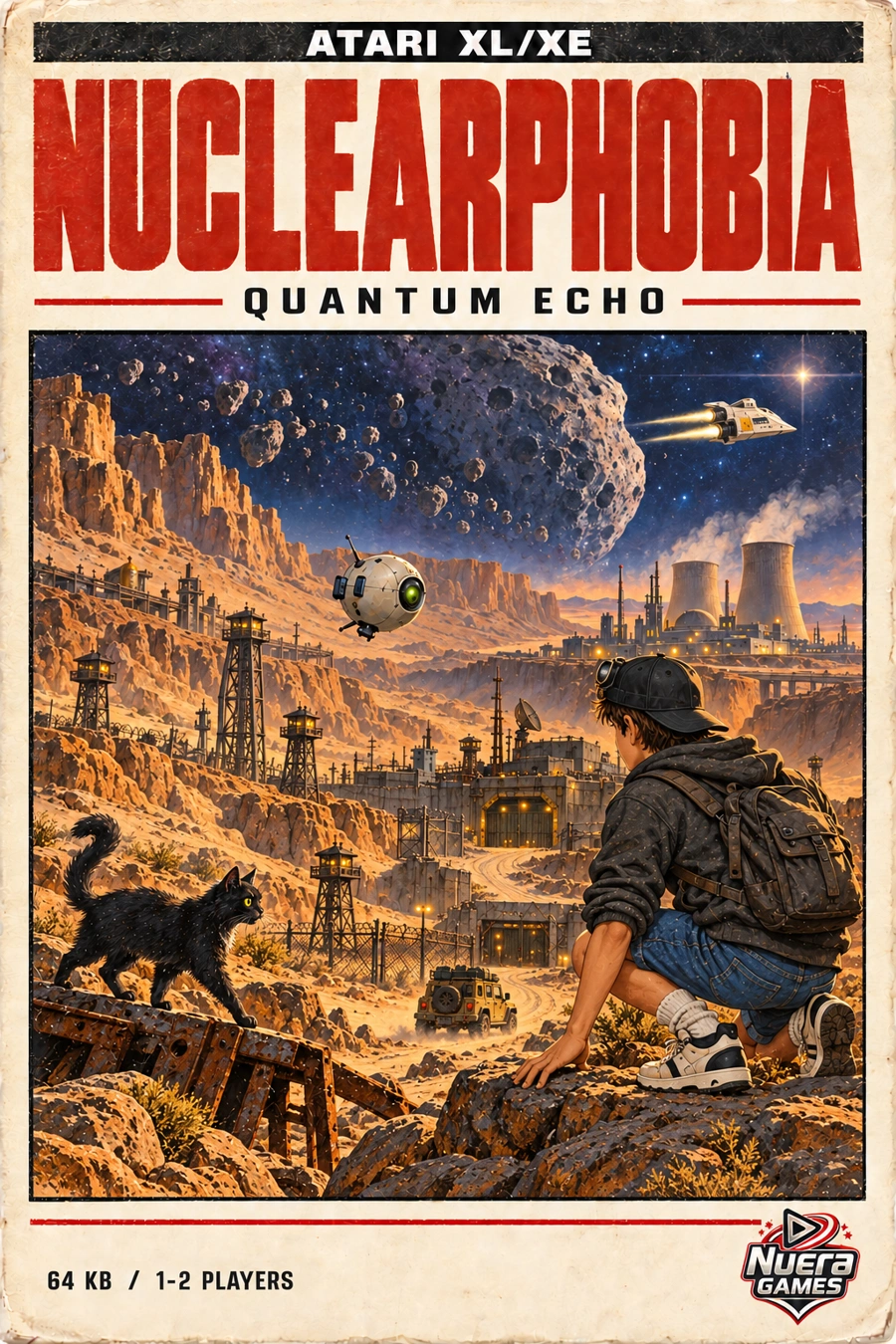
The sequel to Another Dimension adds a space flight, desert stages and a jeep drive. Peter searches for Sally as his next tasks take him towards a power plant.
Action adventure · solo / 2 playersTape 02 / Side B
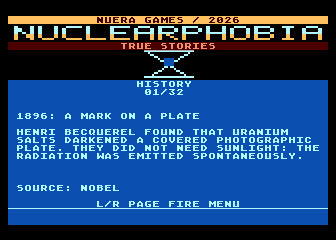
This program contains 32 true stories from the history of science and technology, with sources and a separate 50-question quiz.
Readings and a separate quizDOWNLOADS
One ZIP contains all four titles, each in its own folder. It includes files for Atari hardware and emulators, plus the original WAV files for recording cassettes.
Final release: 25 October 2026 · 367.6 MB ZIP · XEX / WAV / CAS / ATR / XFD / CAR / ROMWAV / 600 BAUD
Each WAV is one complete cassette side with its own leader signal. Do not join sides A and B or add a signal before the recording. A C60 tape provides enough time on each side for either cassette.
Tape 01 uses Another Dimension on side A and Facts and Myths on side B. Tape 02 uses Quantum Echo on A and True Stories on B. File checksums are in SHA256SUMS.txt.
Play the original WAV from a local file at normal speed. Turn off equalisation, loudness normalisation, noise reduction, spatial effects and crossfade. Do not convert it to MP3 or record the signal from YouTube.
Connect a line output, or a suitably adjusted headphone output, to the recorder’s recording input. Set a level without clipping. The right setting depends on your equipment; there is no single value for every setup.
Start recording before playing the WAV. Play the entire file without skipping, pausing or changing speed. Then turn the tape over and record the correct side B file.
Rewind to the start. Hold START and OPTION while switching on the Atari XL/XE to boot from tape with BASIC disabled. Confirm loading as prompted by the computer, then start PLAY on the recorder. In an emulator, mount CAS or WAV as a tape and perform a cassette boot.
PLAYING ON YOUR COMPUTER
You need an emulator and one XEX file from the collection. There is no conversion or cassette recording involved: download the ZIP, extract it and follow the steps for your computer.
Go to the downloads ↑ALTIRRA / WINDOWS
Altirra loads XEX files directly. Its built-in AltirraOS means you can get started without a separate Atari operating-system ROM.
Get Altirra from the author’s website. On a standard 64-bit Windows PC, run Altirra64.exe. Extract Nuclearphobia Atari Collection as well.
In the System menu, choose 800XL hardware, 64 KB of RAM and PAL. Keep the built-in AltirraOS and disable BASIC. These settings suit all four titles.
Choose File → Boot Image… and open the XEX in the title’s folder, for example Nuclearphobia-Another-Dimension.xex. The program will start in the emulator window.
In the Input menu, enable a keyboard-controlled joystick on port 1. Use the arrow keys for directions and left Ctrl for FIRE. Select a language, confirm with FIRE and press F4 when the game asks for START.
ATARI800MACX / macOS
We recommend Atari800MacX on Mac. It can open XEX files from its menu and use a keyboard or gamepad as an Atari joystick.
Get a current release from the project’s official repository and open the application. Extract the collection ZIP so you can access each title’s folder.
In Preferences → Atari System, select Atari 800XL with 64 KB and enable Disable Basic. Choose PAL in the Display tab. OS ROMs lets you use the built-in AltirraOS, so no extra ROM files are needed.
Choose Media → Load Executable File and open the XEX. You can also drag the XEX onto the Atari800MacX icon. There is no need to load WAV or CAS for a quick start.
In Preferences → Controllers, assign a keyboard or gamepad to Joystick 1 and check the direction and FIRE bindings. For keyboard play, enable Control → Enable Keyboard Joysticks. START is F4 and OPTION is F2; some keyboards also require Fn.
ATARI800 / LINUX
We recommend Atari800 on Linux. You can load an XEX from its menu or launch it from a terminal. The menu names below follow the current Atari800 7.2 series.
Use the Linux release from the official project or your distribution’s package repository. Extract the collection to access the XEX files in each title’s folder.
Start the emulator and press F1. In System Settings, choose Atari 800XL with 64 KB, PAL and disable BASIC. If you do not have an Atari system ROM, select the built-in AltirraOS in the ROM settings.
From the F1 menu, choose Run Atari Program and select the XEX in the extracted collection. Alt+R opens the same selector. There is no need to mount a disk or load a tape.
In the controller settings, assign Keyboard 1 or a gamepad to the first joystick port. Use Define layout to set directions and FIRE. Choose a language in the game, confirm with FIRE and use F4 for START when prompted.
XEX / QUICK START
Each folder contains one title in several formats. For your first run, choose the file ending in .xex.
Nuclearphobia-Another-Dimension.xexNuclearphobia-Facts-and-Myths.xexNuclearphobia-Quantum-Echo.xexNuclearphobia-True-Stories.xexIF YOU NEED HELP
Disable BASIC and open the XEX again. Use File → Boot Image… in Altirra, Media → Load Executable File in Atari800MacX, or Run Atari Program in Atari800’s F1 menu.
Click inside the game window and check that a joystick is assigned to the first port. Check Input in Altirra, Controllers and Enable Keyboard Joysticks in Atari800MacX, or the controller settings and Define layout in Atari800.
No. The WAV is mainly for recording a cassette. Use XEX for a quick start on your computer; you do not have to wait for a tape recording to play through.
Emulator documentation: Altirra — author’s website ↗Atari800MacX — project documentation ↗Atari800 — official documentation ↗
03 / PHYSICAL RELEASE
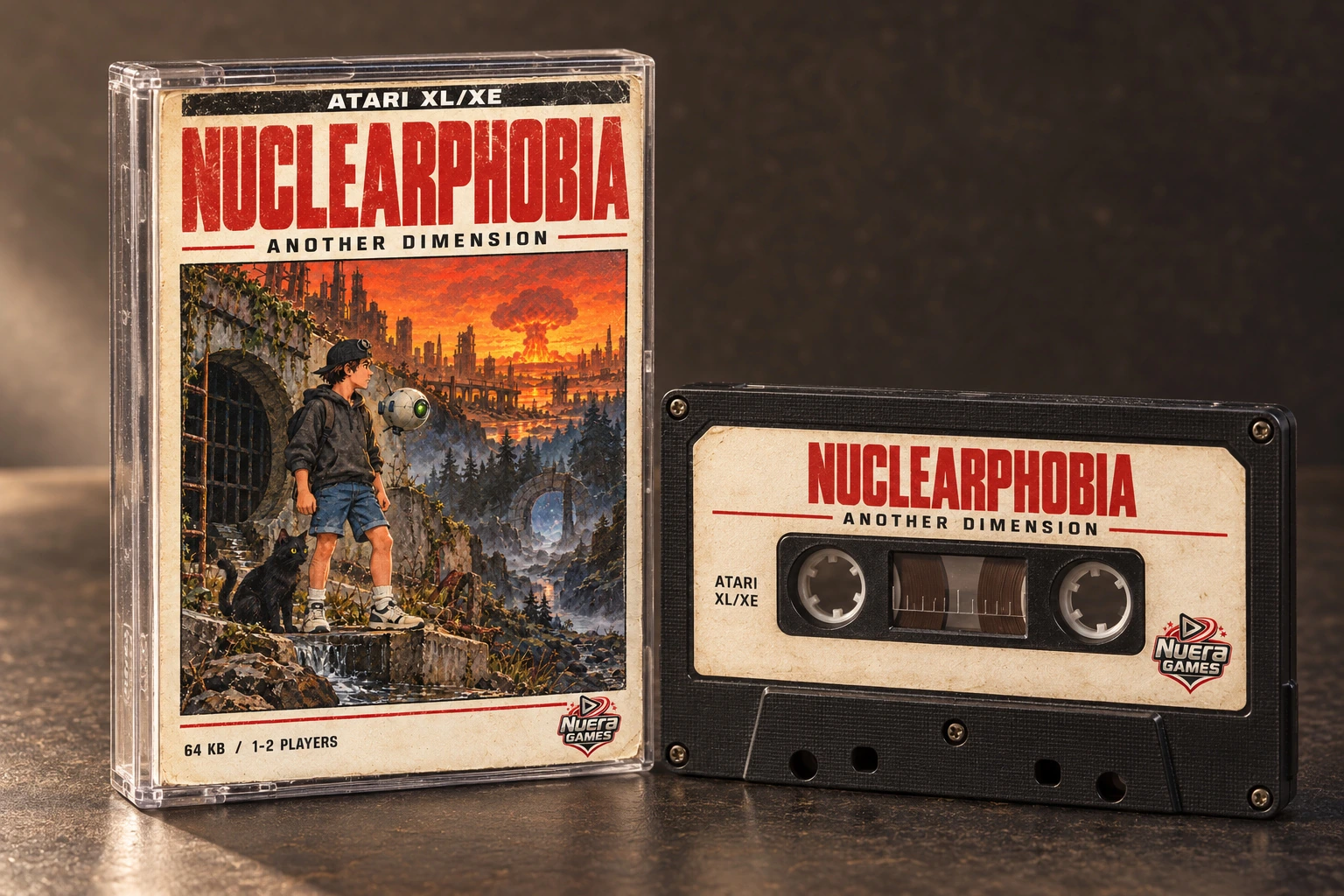
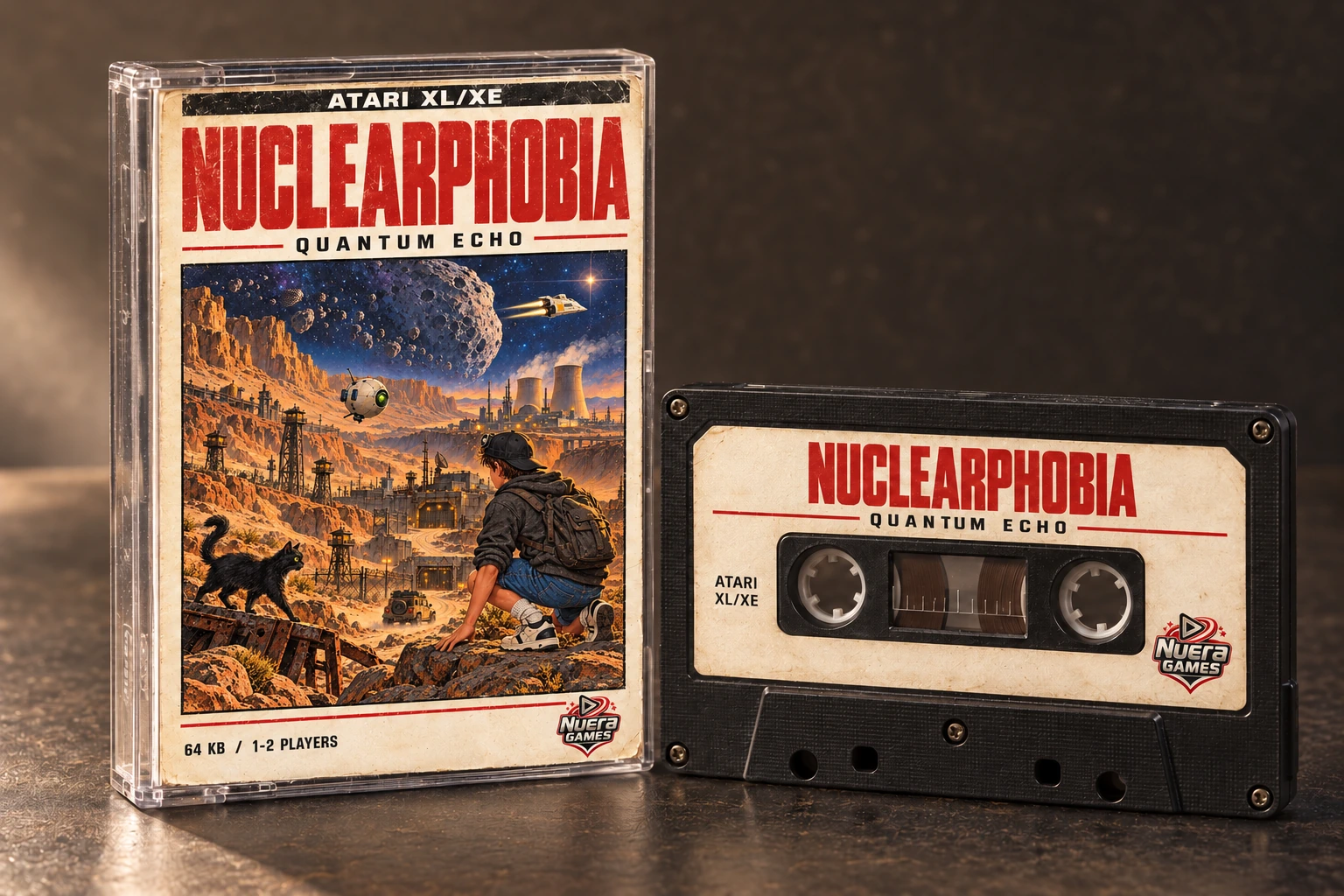
This is how we plan to bring the collection together. Each tape pairs a game with a standalone educational program and its own quiz.
The cassette release is planned. We have not announced a release date or price. These images show the proposed cassette and packaging designs.
04 / REGISTER YOUR INTEREST
Leave your email address and we will get in touch when the release details are settled. Choose one tape or both — it helps us plan how many to make.
This is a non-binding expression of interest. It is not an order or a reservation, and there is nothing to pay now.
cassette@nuclearphobia.com ↗